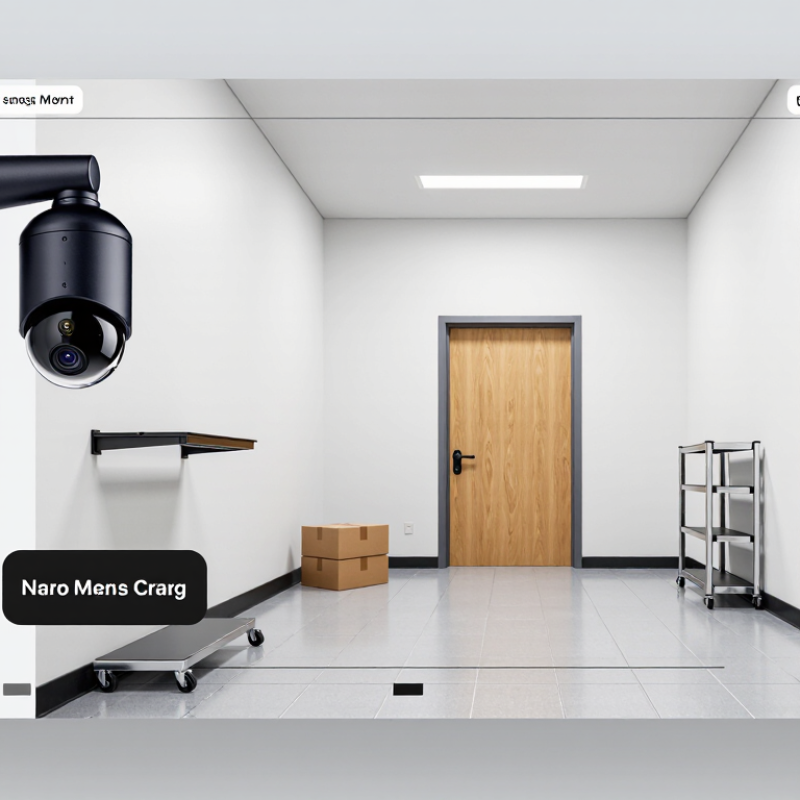
| Monitoring an entryway or room | A camera lens and image sensor capture a sequence of images, which the device encodes as video. Some models record continuously; others start recording when motion is detected. | Footage may be saved to a memory card, a local recorder, or an online storage service, depending on the camera’s design and settings. | Place cameras only where recording is lawful. Avoid private areas such as bathrooms and bedrooms used by others. |
| Motion-triggered recording | A motion sensor or video-analysis feature detects activity and begins recording. Sensitivity settings can affect how often recording is triggered. | Clips are typically saved with timestamps. Some systems overwrite older clips when available storage is full. | Movement, lighting changes, or pets may trigger recordings. Review settings and test the camera’s detection area. |
| Low-light monitoring | Some cameras use infrared illumination or a more light-sensitive sensor to capture images in dim conditions. Infrared footage is commonly displayed in grayscale. | Low-light clips are stored through the same local or network-based options as other recordings. | Night-vision range and image detail vary by device, distance, lighting, and obstacles. |
| Live viewing over a network | A network-connected camera can send a live video stream to an authorized device through a local network or internet connection. | Live viewing does not necessarily mean footage is being saved; recording must be supported and enabled separately. | Use strong, unique passwords, keep software updated, and limit access to trusted users. |
| Local storage | The camera or a connected recorder writes video files to a storage device, such as a memory card or hard drive. | Capacity, recording quality, and recording duration determine how much footage can be retained before files are deleted or overwritten. | Check storage status regularly and protect the device from theft or damage. |
| Cloud storage | When enabled, footage is uploaded through an internet connection to a remote storage service. | Retention periods and available storage depend on the service plan and settings. Uploads may stop if connectivity is lost. | Review privacy settings, account security, retention limits, and the service’s data-handling terms. |
| Audio recording | A camera with a microphone may capture sound as well as video, if audio recording is enabled. | Audio is usually stored alongside the corresponding video clip. | Audio-recording laws can differ from video-recording laws and may require consent. Check local rules before recording sound. |
| Reviewing and exporting footage | Recorded clips can generally be searched by date, time, or event, then played back or exported if the system supports it. | Exported files may be saved to a computer or removable storage for authorized use. | Limit access to recordings and retain or share them only for a legitimate, lawful purpose. |



 08045479132
 Send Inquiry

 Send Inquiry
 Send SMS